Component Usage Guide
This guide is designed specifically to understand how to incorporate and utilize new components within articles effectively. This resource is not publicly available and can only be accessed through direct links shared within our editorial team.
Important Notes on Using MDX
To use Astro components like Card and Separator in your articles, you will need to ensure a couple of things:
-
File Extension: Change the file extension from
.mdto.mdx. This change allows the Astro framework to process the file as an MDX document, enabling the embedding of interactive components directly within the content. -
Import Components: At the beginning of your
.mdxfile, import each component you plan to use. Here is an example of how to import components:
import Card from 'src/components/Card.astro';
import Separator from 'src/components/Separator.astro';
Components usage
Card
The Card component displays content in a card format, suitable for highlights, features, or related topics.

Example Title
Example description of the feature.
<Card
	title="Example Title"
	description="Example description of the feature."
	imgSrc="/docs/img/octopus-deploy-logo.png"
	imgAlt="Example Alt Text"
	link="/docs/deployments/kubernetes"
/>
Card related topics
Watch Our Tutorial
<Card
	imgAlt="Example Alt Text"
	imgSrc="/docs/img/octopus-deploy-logo.png"
	link="https://www.youtube.com/watch?v=example"
	title="Watch Our Tutorial"
	variant="related-topics"
/>
Watch Our Tutorial
<Card
	imgAlt="Example Alt Text"
	imgSrc="/docs/img/octopus-deploy-logo.png"
	link="/docs/deployments/kubernetes"
	title="Watch Our Tutorial"
	variant="related-topics"
/>
Card padded
Padded Example Title
Example description with added padding for emphasis.
<Card
	description="Example description with added padding for emphasis."
	imgAlt="Example Alt Text"
	imgSrc="/docs/img/octopus-deploy-logo.png"
	link="/docs/deployments/kubernetes"
	title="Padded Example Title"
	variant="padded"
/>
IconTile
The IconTile component is used for creating clickable tiles with an icon, a title, and a description.
-
iconAlt: Alternative text for the icon (not required with font awesome icon)
-
title: Keep it short for this component
-
description: Keep it short for this component

Kubernetes Deployment
Learn more about deploying applications with Kubernetes using Octopus Deploy.
<IconTile
	description="Learn more about deploying applications with Kubernetes using Octopus Deploy."
	iconSrc="/docs/img/octopus.svg"
	iconAlt="Example Alt Text"
	link="/docs/deployments/kubernetes"
	title="Kubernetes Deployment"
/>
Kubernetes Deployment
<IconTile
	iconSrc="/docs/img/octopus.svg"
	iconAlt="Example Alt Text"
	link="/docs/deployments/kubernetes"
	title="Kubernetes Deployment"
/>
Image
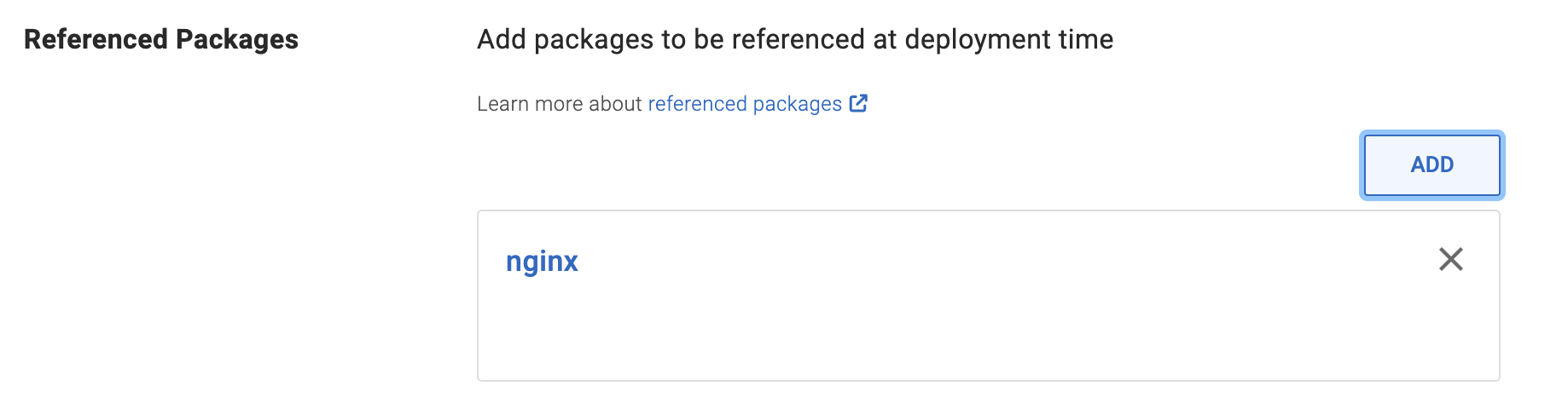
<Image
	src="/docs/img/octopus.svg"
	alt="Example Alt Text"
/>
Image with caption
<Image
	src="/docs/img/octopus.svg"
	alt="Example Alt Text"
	caption="Example caption"
/>
Link
The Link component is designed to provide a standardized way to display links with icons
-
iconAlt: Alternative text for the icon (not required with font awesome icon)
-
noFollow: Optional; Accepts
true/falsevalues. Iftrue, addsrel="nofollow"to the link -
newTab: Optional;; Accepts
true/falsevalues. Iftrue, the link opens in a new tabtarget="_blank".
<Link
	link="/docs/deployments/kubernetes"
	text="Link with Icon Example"
	icon="/docs/img/icon-example.svg"
	iconAlt="Example Icon Description"
/>
Separator
<Separator />
Layout
Grid
2 columns
<div class="docs-home simple-grid">
	<Card
		imgAlt="Example Alt Text"
		imgSrc="/docs/img/octopus-deploy-logo.png"
		link="https://www.youtube.com/watch?v=example"
		title="Watch Our Tutorial"
		variant="related-topics"
	/>
	<Card
		imgAlt="Example Alt Text"
		imgSrc="/docs/img/octopus-deploy-logo.png"
		link="https://www.youtube.com/watch?v=example"
		title="Watch Our Tutorial"
		variant="related-topics"
	/>
</div>
3 columns
Deployments
Learn more about deploying
Deployments
Learn more about deploying
Deployments
Learn more about deploying
<div class="docs-home simple-grid-3">
	<IconTile
		description="Learn more about deploying applications with Kubernetes using Octopus Deploy."
		iconSrc="/docs/img/octopus.svg"
		iconAlt="Example Alt Text"
		link="/docs/deployments/kubernetes"
		title="Kubernetes Deployment"
	/>
	<IconTile
		description="Learn more about deploying applications with Kubernetes using Octopus Deploy."
		iconSrc="/docs/img/octopus.svg"
		iconAlt="Example Alt Text"
		link="/docs/deployments/kubernetes"
		title="Kubernetes Deployment"
	/>
	<IconTile
		description="Learn more about deploying applications with Kubernetes using Octopus Deploy."
		iconSrc="/docs/img/octopus.svg"
		iconAlt="Example Alt Text"
		link="/docs/deployments/kubernetes"
		title="Kubernetes Deployment"
	/>
</div>
Help us continuously improve
Please let us know if you have any feedback about this page.
Page updated on Tuesday, May 21, 2024